


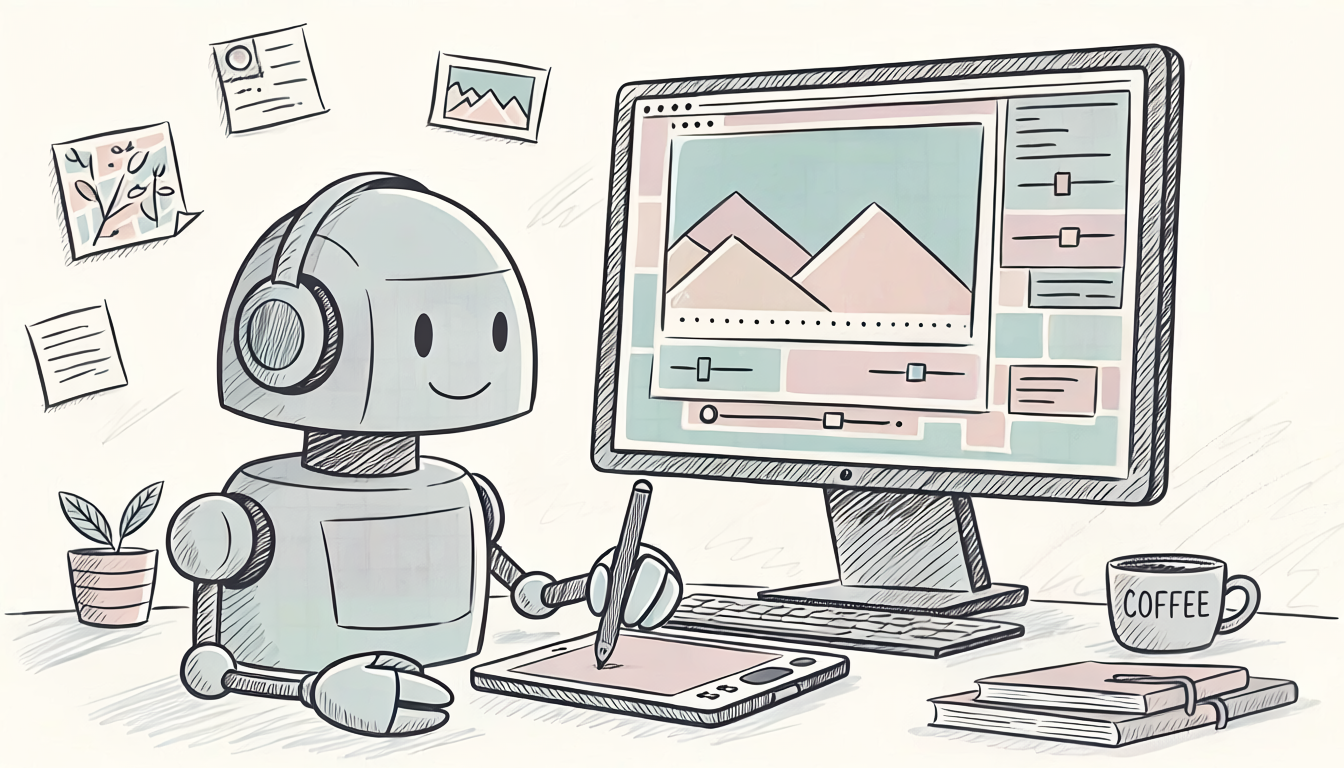
AI tools have quickly become part of the graphic design toolkit. But not every use case is a win. Here's a quick breakdown of where AI pulls its weight — and where it can cost you.
AI-Generated Images
Blog Posts, Banners, Article Graphics
Pros
- Fast turnaround — a custom image in minutes instead of days
- No stock-photo fees or licensing headaches
- Easy to generate multiple concepts and pick the best fit
- Great for filler or supporting visuals that don't need to be pixel-perfect
Cons
- Inconsistent brand style across images unless carefully prompted
- Occasional visual errors (odd hands, warped text, mismatched lighting)
- Legal gray areas around copyright and commercial use are still evolving
- Can feel generic if overused — readers are starting to recognize "AI look"
AI-Written Article Text
Pros
- Speeds up first drafts and outlines
- Useful for brainstorming headlines, angles, or SEO-friendly phrasing
- Helps beat writer's block on repetitive content types
Cons
- Needs a human edit pass for voice, accuracy, and nuance
- Can produce bland or repetitive phrasing if not guided
- Risk of factual errors if not fact-checked
- Search engines and readers increasingly penalize unedited AI content
Product Packaging
Pros
- Rapid concept mockups for client review
- Cost-effective way to explore multiple design directions early
Cons
- Packaging demands print-accurate colors, dielines, and material specs — AI tools aren't built for production-ready output
- Brand consistency and trademark safety require a trained designer's eye
- Final files almost always need a professional finish before going to print
The Bottom Line
AI is a strong first-draft partner — fast, cheap, and useful. But for anything client-facing, brand-critical, or print-bound, human review and refinement are still essential. Think of AI as an intern designer: quick with drafts, but not ready to sign off on final work alone.
Article prepared by Matt King and edited by Claude AI. Image prepared by Matt King using Adobe Firefly Image 5.